

Latest Version
Henri Wahl
Security
Linux
Free
de.nagstamon.nagstamon
Report a Problem
More About Nagstamon Desktop Status Monitor Review for Linux
For system administrators and DevOps engineers keeping watch over complex network infrastructures, browser tab clutter is a constant battle. The Nagstamon desktop status monitor offers a streamlined, lightweight alternative by pulling critical alerts directly onto your Linux desktop. Developed by Henri Wahl, this specialized security and monitoring utility acts as an unobtrusive notification hub, ensuring you never miss a critical server event.
What is the Nagstamon Desktop Status Monitor?
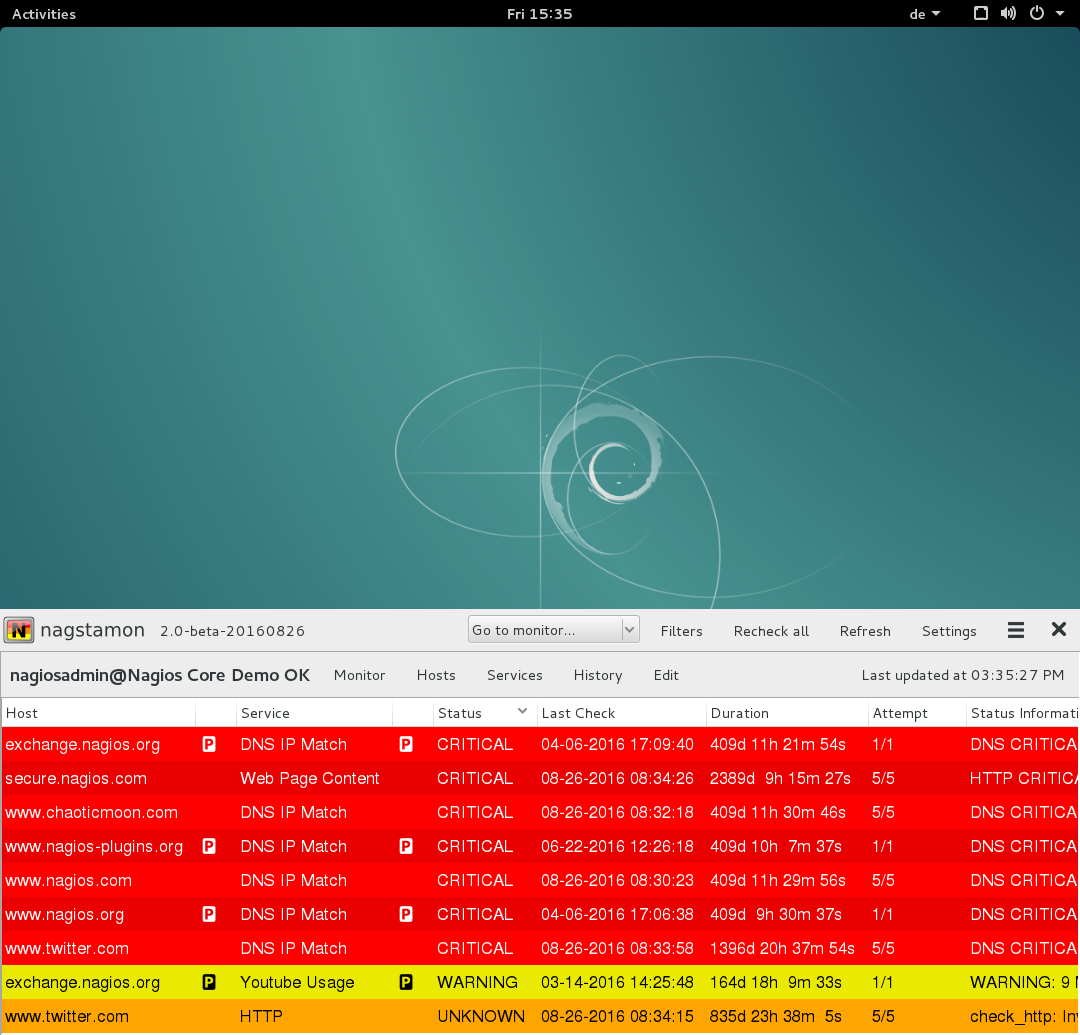
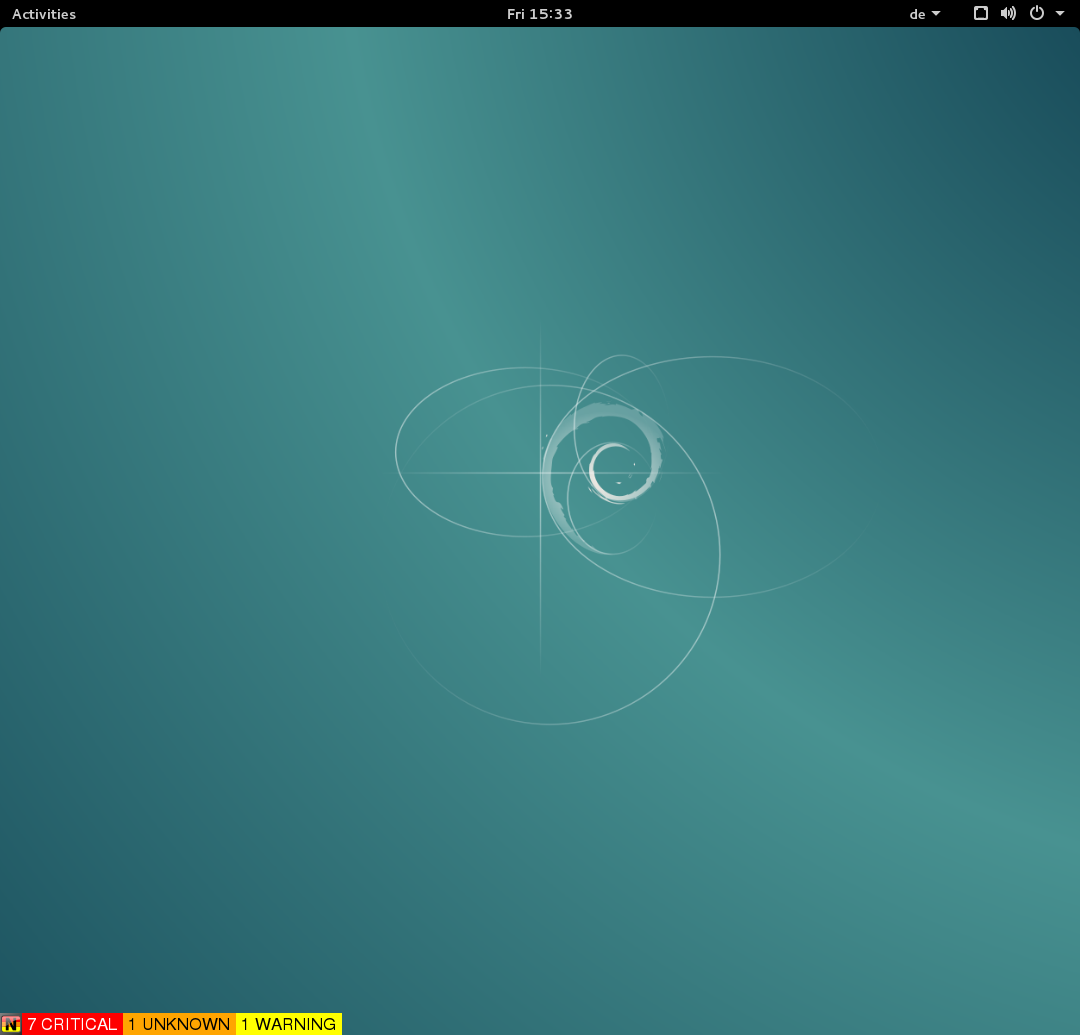
At its core, the Nagstamon desktop status monitor is a highly configurable statusbar application designed to sit quietly in your system tray, float on your desktop, or run in fullscreen mode. Instead of constantly refreshing multiple web interfaces, Nagstamon aggregates real-time statuses from various monitoring servers, displaying a concise summary of critical, warning, unknown, unreachable, and down hosts or services.
Broad Server Compatibility
One of the strongest selling points of this utility is its extensive compatibility with industry-standard monitoring platforms. Out of the box, Nagstamon seamlessly connects to:
- Nagios and Icinga
- Opsview and Centreon
- Op5 Monitor/Ninja
- Check_MK Multisite
- Thruk monitoring servers
Key Features Designed for System Administrators
The strength of the Nagstamon desktop status monitor lies in its utility and focus on efficiency. It does not just report issues; it enables rapid response directly from your desktop interface.
- Instant Status Overviews: Hovering your mouse pointer over the floating statusbar triggers a detailed popup window showing exactly which services require your attention.
- Direct Connection Shortcuts: Right-clicking a problematic host opens a context menu, allowing you to establish immediate connections via SSH, RDP, VNC, or any custom-defined action.
- Customizable Audio Notifications: Configure sound alerts to trigger during critical events so you can step away from your screens without losing situational awareness.
- Advanced Filtering: Use regular expressions and category filters to eliminate background noise and focus strictly on the systems you are responsible for.
Who is Nagstamon For?
If you are a Linux-based IT professional managing multiple monitoring endpoints, the Nagstamon desktop status monitor is designed specifically for you. It eliminates the need to keep resource-heavy browser tabs open for your monitoring dashboards, replacing them with a highly responsive, native desktop tool. By keeping essential server health metrics visible at a glance, it bridges the gap between passive monitoring and active incident response.
How to Get Started
Nagstamon is an invaluable asset for anyone looking to optimize their daily operations workflow on Linux. To explore this tool further, view screenshots, or install it on your system, head over to the official Nagstamon page on Flathub.
Rate the App
User Reviews

Popular Apps










Editor's Choice